Practity Review: Learn Python and Excel by Doing
We have tested Practity, an online educational platform offering real-world Python and Excel projects with solutions, designed to help students, developers, and analysts transition from passive learning to hands-on mastery.

Welcome to this Practity review 😊!
If you have been learning Python or trying to master Excel, you already know the biggest bottleneck in online education. Most tutorials and courses are structured around passive video consumption. You watch an instructor code or write formulas, copy their work, and feel like you have made progress. Until you open a blank spreadsheet or IDE and realize you do not actually know where to start. I have been testing Practity and it is one of the more practical skill-building platforms available for bridging the gap between theory and real-world application.
The online learning space is often obsessed with theoretical lectures and isolated syntax exercises. Courses teach you what a loop is or how a VLOOKUP works, but they can suffer from a lack of practical context. What makes Practity different is that it shifts the focus to project-based learning. It gives you raw datasets, realistic business specifications, and lets you solve the problem yourself before presenting professional, step-by-step solutions.
Let's dig in.
Getting Started with Practity
First thing you notice on Practity is that it is built for self-directed learners who want to build real coding and data skills. This is a streamlined, straightforward platform that bypasses bogged-down learning management systems to focus entirely on actionable assignments.
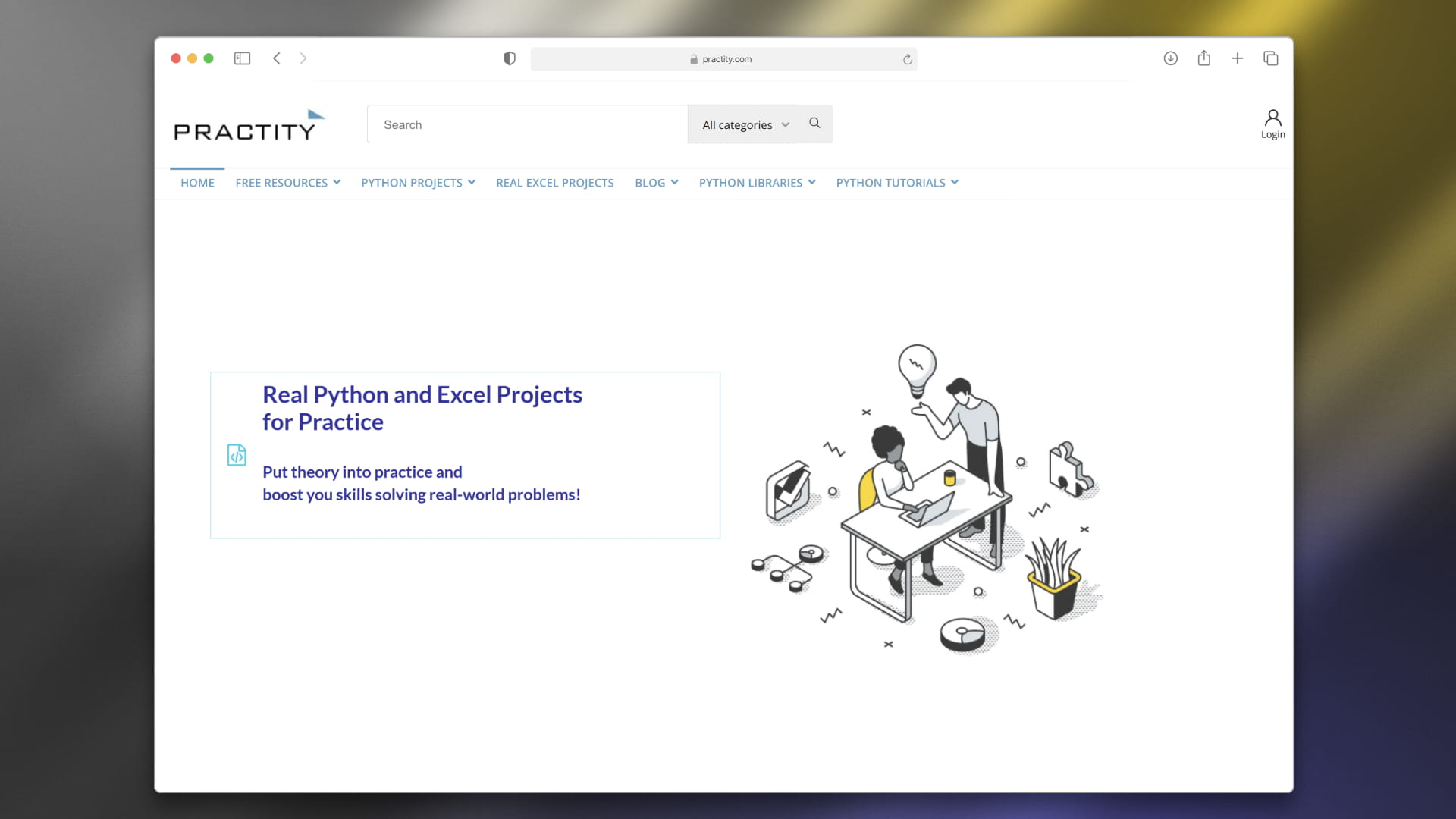
The platform gets straight to the point. Instead of forcing you into a rigid monthly subscription or locking you into a closed environment, Practity offers downloadable, self-paced project bundles. Because you work with actual files like raw CSVs, Python scripts, and Excel templates locally on your machine, you gain immediate familiarity with realistic corporate developer environments.
Purchasing and starting a project is seamless. You can download your material directly, extract the ZIP file, and begin working instantly using your preferred tools. Whether that is VS Code, Jupyter Notebooks, or Microsoft Excel.
How It Works: Learning by Doing
In most traditional courses, exercises are highly controlled and over-simplified. By the time you encounter a real-life software challenge or a messy corporate database, your theoretical knowledge falls short. Practity changes that.
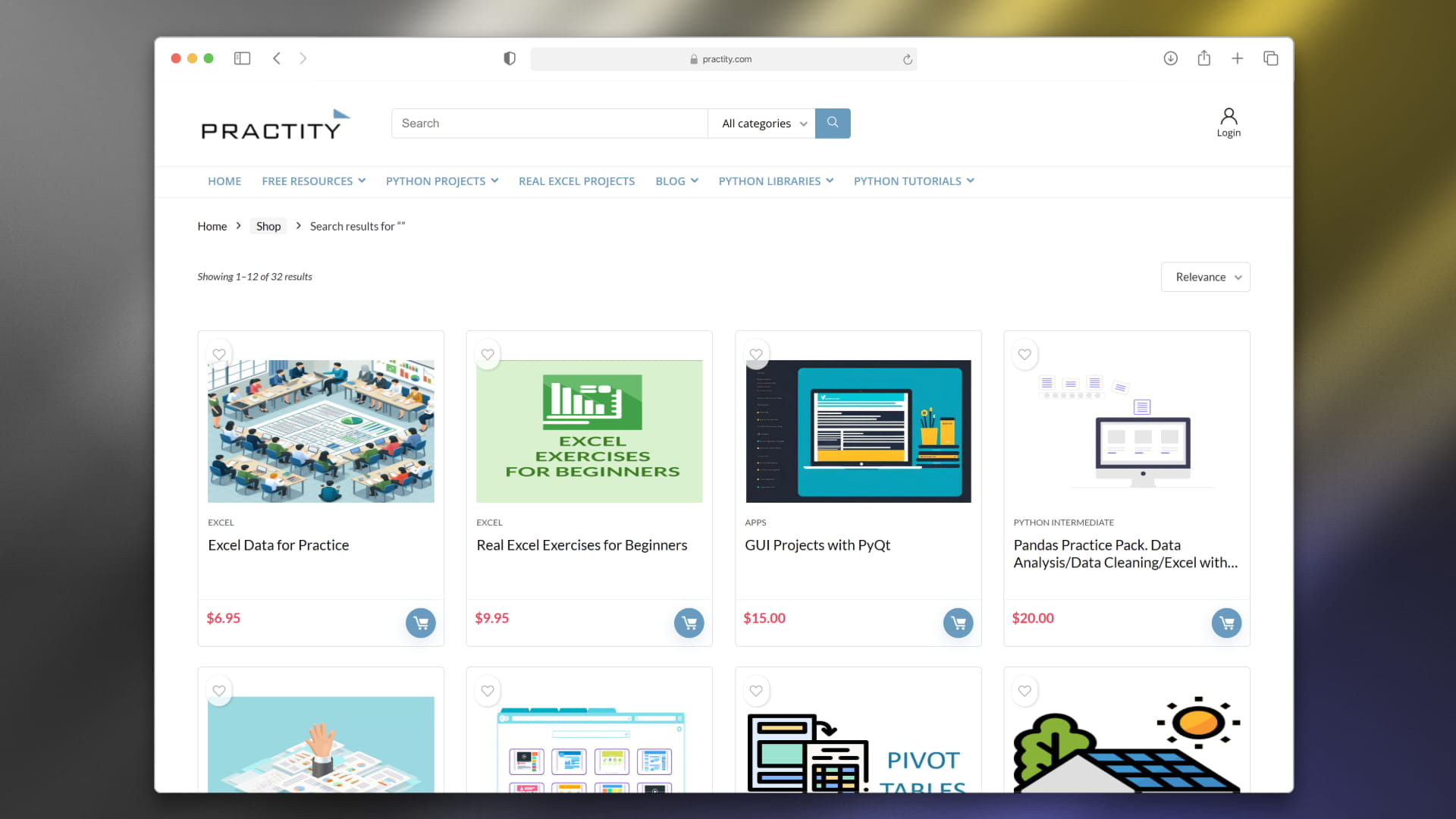
What stands out is how it handles the project delivery format. When you choose an assignment, like building an Object-Oriented Programming (OOP) financial analyzer, automating web tasks with Selenium, or creating an interactive sales dashboard, you receive a structured package. This typically includes a clear guide detailing your tasks, a raw dataset to clean or manipulate, and the key requirements you must meet.
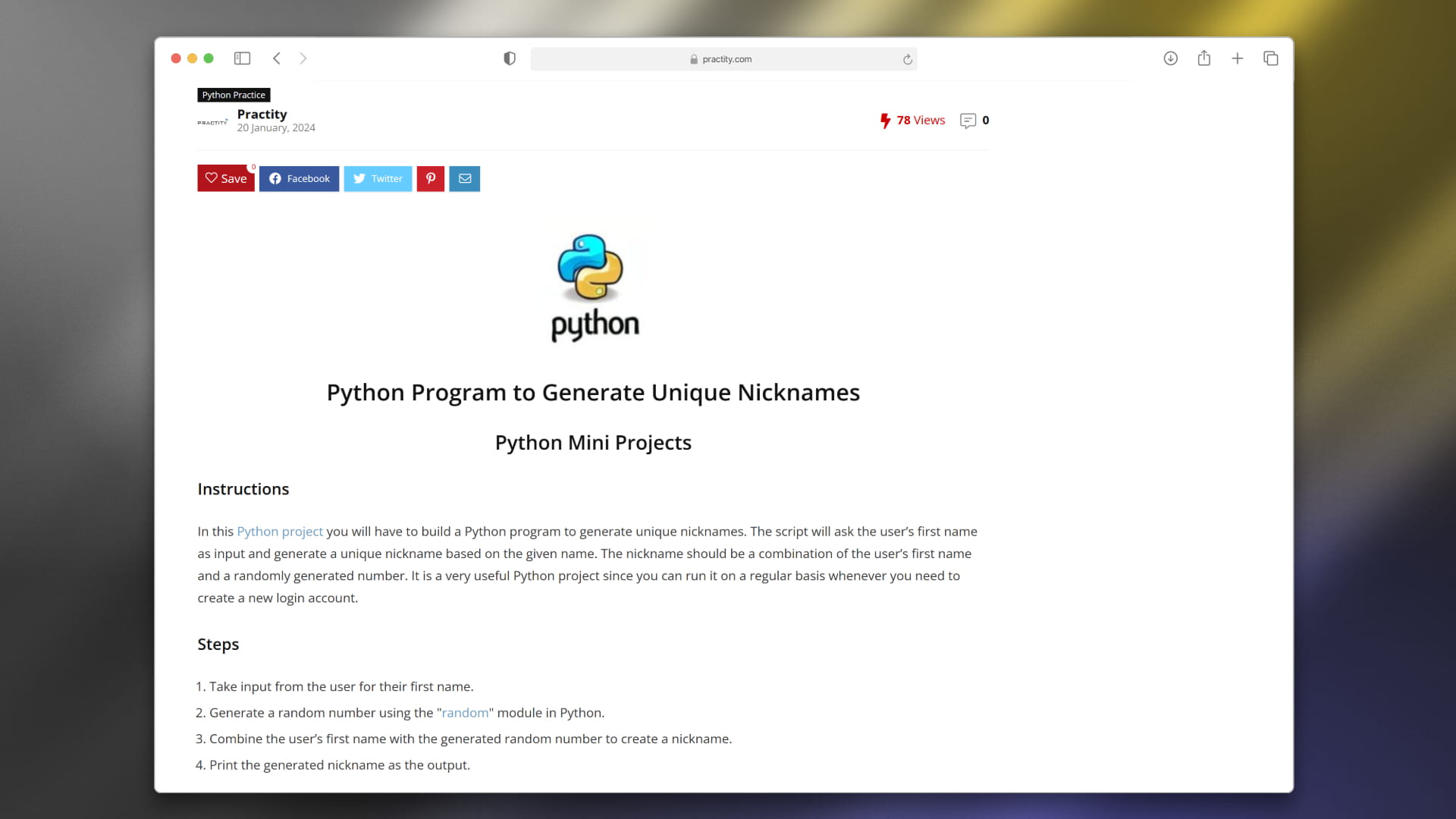
You are encouraged to think like an independent developer or data analyst. Instead of relying on a video playback bar, you must design the logic, handle real bugs, and learn to write robust code. Once you finish, you can compare your output with a fully working, commented solution prepared by industry professionals.
The Hands-On Practice Experience
This is where Practity sets itself apart. Instead of copying someone else's screen, you run the code, break it, fix it, and build practical confidence.


You can easily learn how to handle messy data, build user interfaces with Tkinter or PyQt, and write advanced formulas to solve complex business calculations. It is a practical option for learners who want to stop being passive tutorial watchers and start being creators.
Key Features Worth Knowing
Expert-Crafted Material
All projects and challenges are developed by senior professionals, including data scientists, senior software engineers (with experience at top tech firms like Amazon), and university professors. The assignments reflect actual corporate-level tasks rather than generic textbook examples.
Hands-on Solutions
Rather than just giving you a "pass/fail" checkmark, Practity provides comprehensive PDF guidelines detailing how to solve each step alongside complete, fully commented Python files (.py) or completed Excel workbooks (.xlsx).
Broad Technical Coverage
Whether you want to learn Object-Oriented Programming (OOP), web scraping, file automation with the Python os module, or advanced Excel techniques (like Pivot Tables, VLOOKUP, and conditional formatting), the platform covers multiple skill brackets from absolute beginner to intermediate and advanced levels.
Flexible Access and Pricing
Instead of charging recurring high-cost monthly subscriptions, Practity works on a straightforward, pay-per-bundle system. Individual project packs and exercises usually cost between $6.95 and $25.00, giving you lifetime access to the materials.
- Students & Academics : gain hands-on experience that complements university computer science and business analytics degrees.
- Professionals : learn how to automate repetitive office tasks using Python libraries like Pandas, OpenPyXL, and xlwings.
- Job Seekers : prepare for coding assessments and technical Excel interviews with realistic practice questions and case studies.
This model lets you buy exactly what you need to study without being rushed by an expiring trial or a recurring subscription fee.
Who Is Practity For?
- Self-paced learners tired of video-heavy tutorials that do not stick
- Beginner programmers looking for structured, guided Python assignments
- Intermediate developers wanting to explore OOP, APIs, GUI design, and data analysis
- Excel users wanting to transition from basic spreadsheets to advanced business dashboards and financial modeling
- Job candidates preparing for Excel or Python-focused technical interviews
- Anyone looking for a reliable, project-based programming practice platform
Accessibility: Traditional Courses vs. Practity
| Learning Feature | Traditional Online Courses | Practity Platform |
|---|---|---|
| Primary Method | Video lectures and copying code | Hands-on projects and guided exercises |
| Context | Isolated, pre-cleaned examples | Messy, real-world business datasets |
| Engagement | Passive watching and copy-pasting | Active problem-solving and building locally |
| Pricing | Recurring monthly or per-seat fees | Pay-per-bundle with lifetime access |
Practity Review: The Verdict
✅ What I liked:
- Focuses entirely on active learning by doing
- Projects are created by experienced, industry professionals
- Downloadable local structure mimics real developer environments
- Highly detailed PDF explanations and fully commented code solutions
- Affordable, single-purchase pricing without subscription fatigue
- Great for intermediate developers and career-switchers alike
Overall, Practity is a highly effective resource for anyone serious about mastering Python or Excel. It strips away the fluff of passive video learning and encourages you to think like a programmer from day one. If you want to build a portfolio of real projects or just want to gain confidence working independently, it is a recommended addition to your learning toolkit.
The focus on practical implementation is a valuable design for modern coding education. Instead of feeling like you are just memorizing syntax, you learn how to solve real problems and build software that works.
Latest News: Practity Launch
If you want to understand the growing need for practical coding education, you only have to look at how platforms like Practity are helping self-directed learners adapt. Since its launch, Practity has consistently built out its library to meet the demands of career switchers, offering updated resources on automation and intermediate coding structures to match modern workplace standards.
FAQ
What is Practity?
It is an online educational platform that provides real-world Python and Excel projects with solutions, focusing on practical learning over passive video tutorials.
What technologies can I practice on Practity?
The platform features projects covering core Python concepts (such as OOP, data analysis, automation with Selenium/OS, and GUI applications with Tkinter) as well as advanced Excel functions (such as Pivot Tables, dashboards, and financial modeling formulas).
Are solutions included with the projects?
Yes. Every project includes structured instructions, guided hints, a detailed PDF explaining the step-by-step solution, and completed, fully commented Python files or Excel workbooks.
Is there a recurring subscription fee?
No. Practity utilizes a pay-per-bundle pricing model where you pay once for a project pack and gain lifetime access to all of its resources, with some free exercises available to help you get started.